
HARMONIQS
Songwriting on Mac, iPhone and iPad.
Beta registration is currently closed.
Guitar
Find your chord shapes.
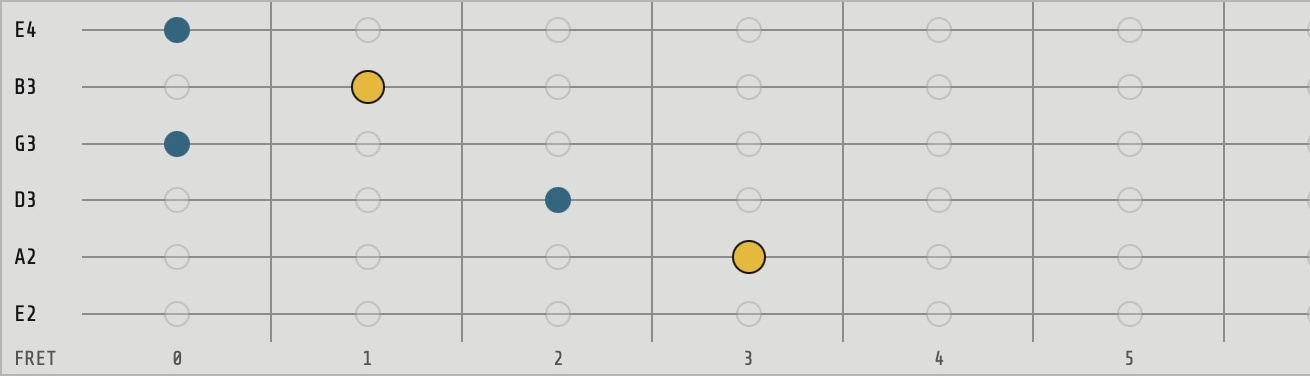
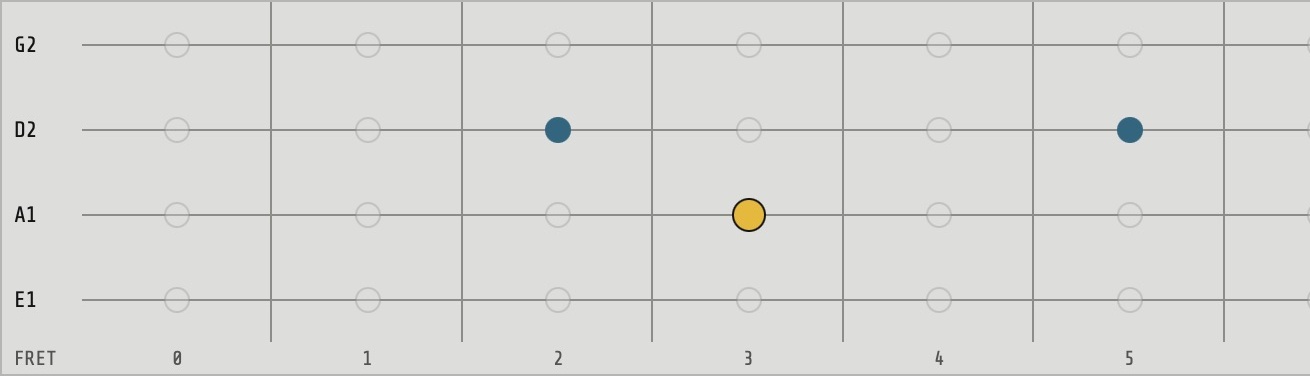

What’s in your music? Harmoniqs helps you identify notes and find chords from recorded takes as suggestions. BRAIN is your creative companion as you develop your own idea.
YOUR SONG STARTS HERE.
You have an idea in your head: try chords, hear how they connect and find the progression you want to keep playing with.
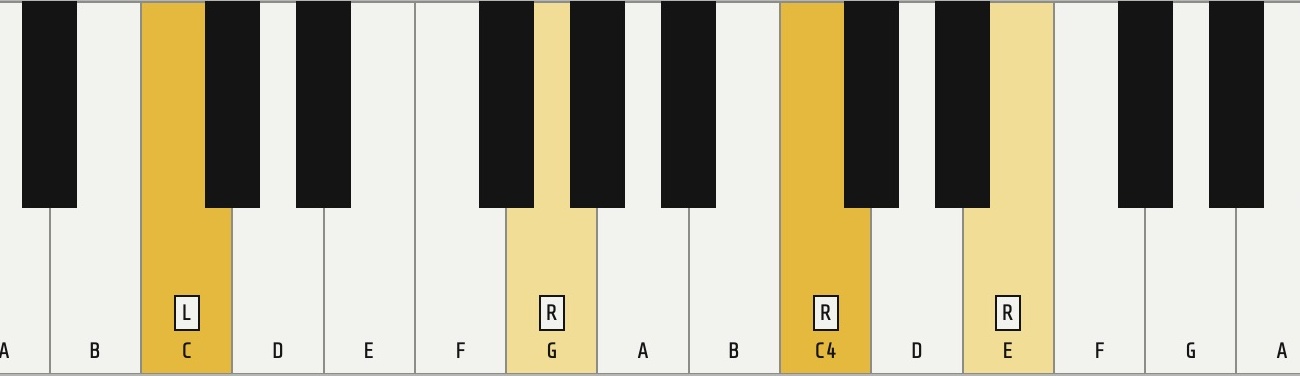
C4 · E4 · G4
C · C4 E4 G4
FIND YOUR NOTES.
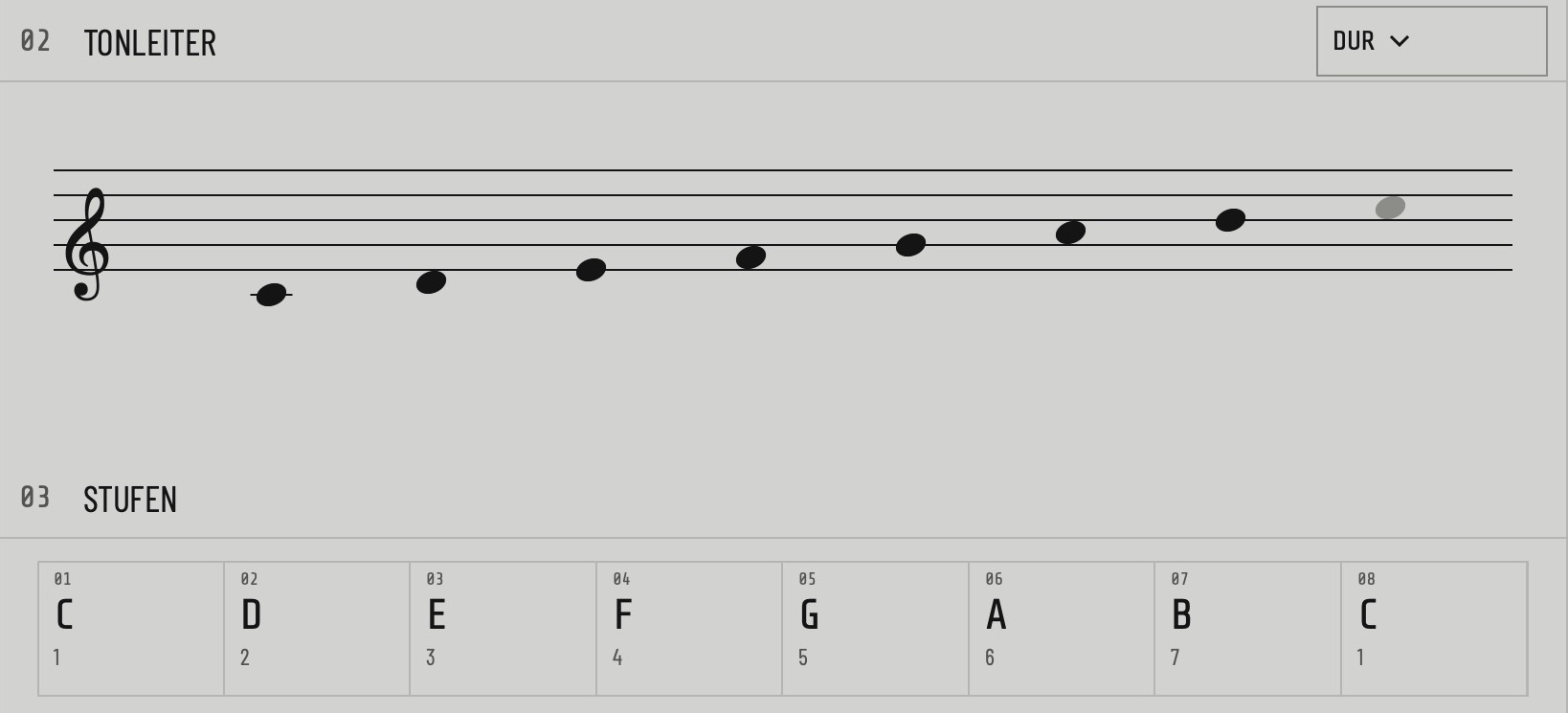
Which notes fit your progression? See them on the keyboard, fretboard and staff, play them yourself and explore matching scales as you practise.
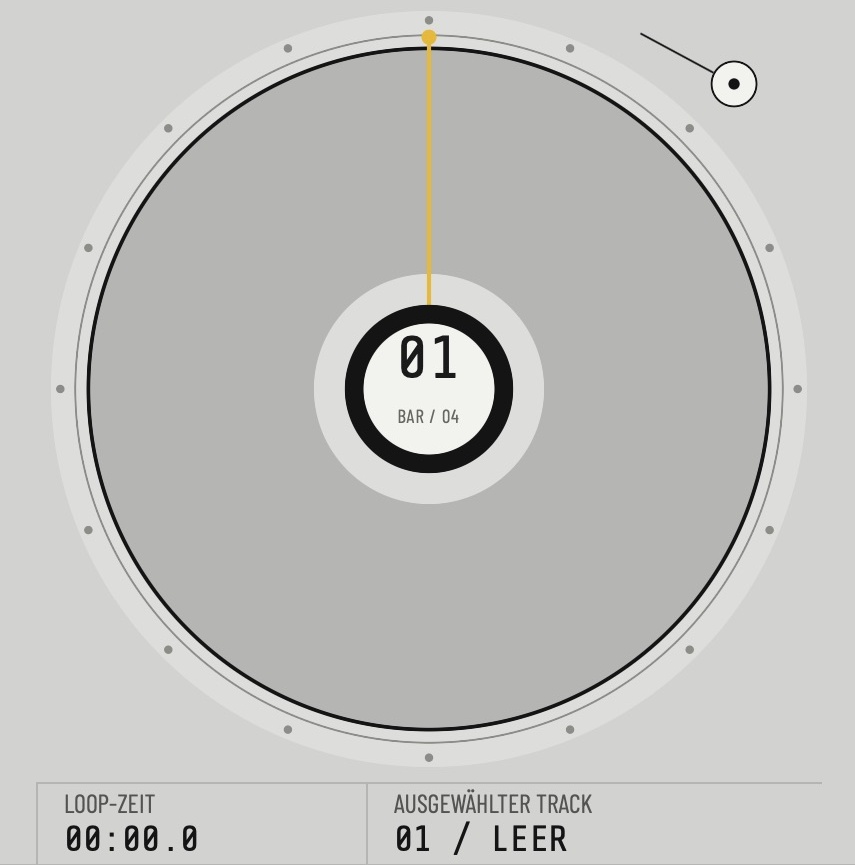
Looper
PLAY YOUR IDEA FURTHER.
Your chords are there. Add your bassline or guitar phrase in the Looper: audio and MIDI layers bring your parts together. Play the selected voice from a MIDI keyboard or send a MIDI layer to your instrument.
MIDI layer → MIDI destination
With your setup
MIDI is not audio: capture your synthesizer’s actual sound through an audio interface. On Mac, choose audio input and output separately; iPhone and iPad use the system route. Up to eight audio and MIDI layers.
BRAIN
WHAT COULD COME NEXT?
Looking for more tension before the chorus? BRAIN, your creative musical companion, offers suggestions and explanations about your song—you listen and decide.
“How can I build more tension before the chorus?”
“Which notes can I play over this chord?”
BRAIN requires sign-in for online guidance.
TAKE YOUR IDEA WITH YOU.
Take your chord progression and recorded MIDI layers into your DAW as MIDI. Keep your original audio files, and export individual WAV parts from a performance you have actually recorded.
Your song idea
Chord progression + MIDI layers
Recorded audio
WAV parts from a recorded performance
Continue in your DAW
Your music. Your next steps. Harmoniqs for Mac, iPhone and iPad.
Beta registration is currently closed.